Sign Up for Testnet
This guide will walk you through the process of signing up and getting started with the Dchain testnet as a DT holder.
Prerequisites
Before you begin, ensure you have:
- A web browser that supports webauthn
Step 1: Signup for an account
- Navigate to hub.dfoundation.io
- Click Sign In / Register -> Register
- Enter your Name and email address
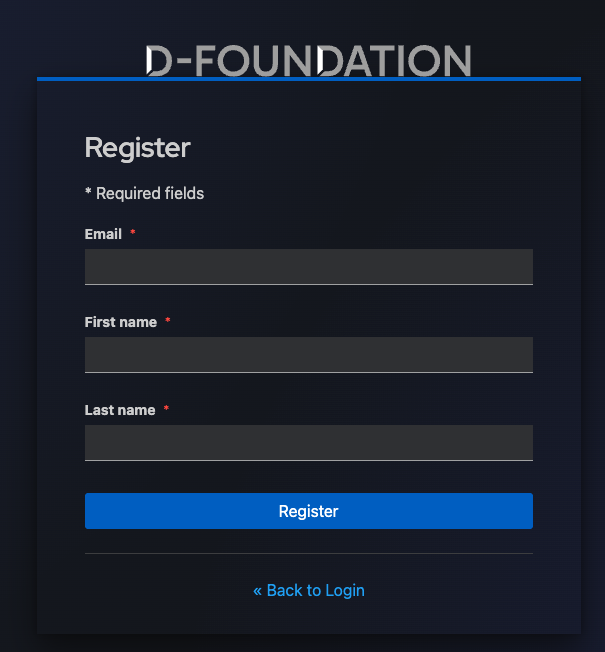
- Create passkey using WebAuthn with your preferred method (e.g., biometric, security key)
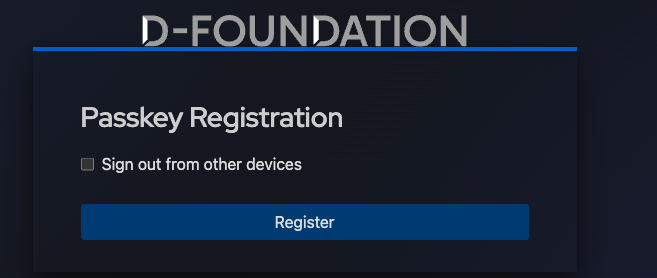
This creates a smart contract account on Dchain for you to transact. You will also be issued with 10 DTs on the testnet to get started.
Step 2: Verify Your Login and Balance
Once you've created your account:
- You can sign in
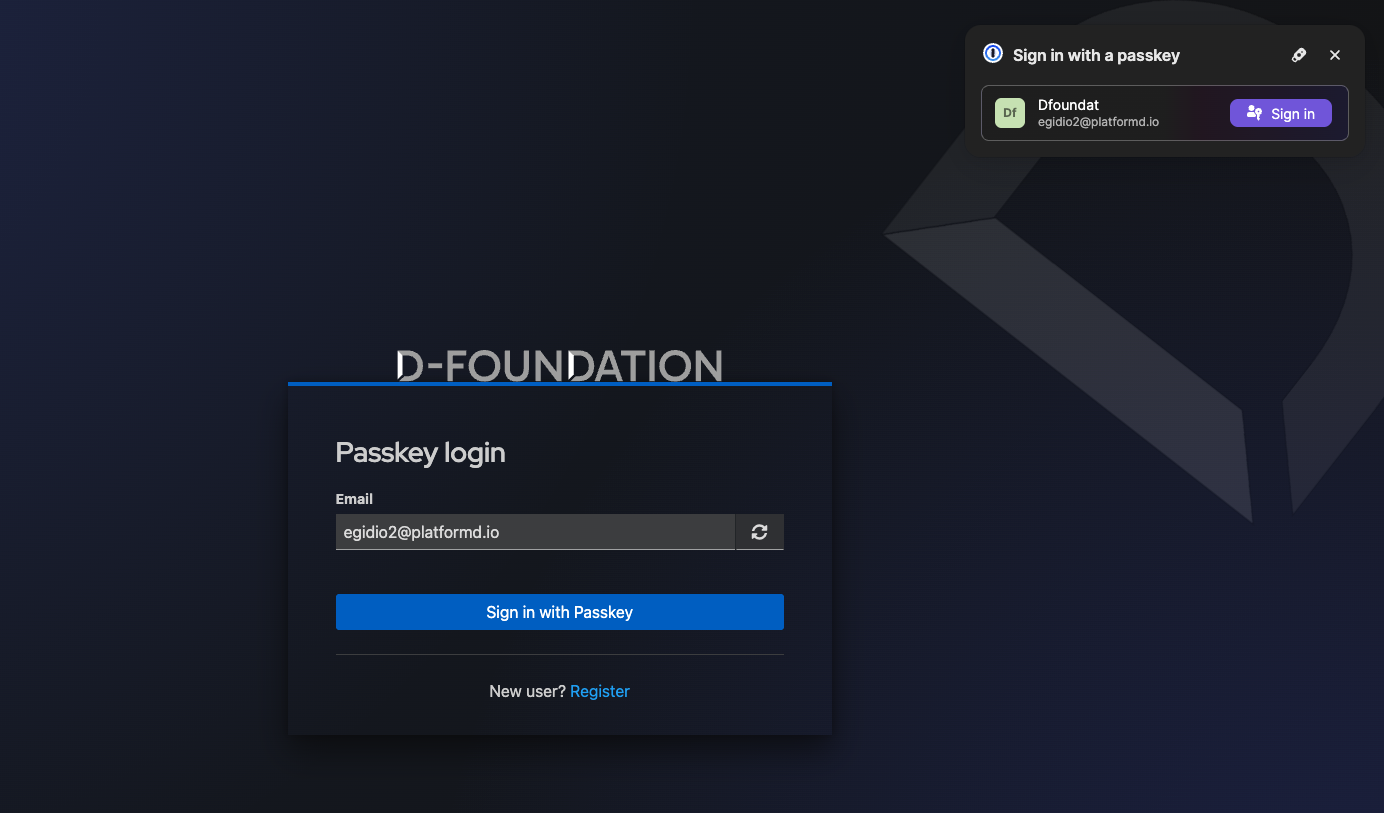
- You will see the balance of your testnet DT tokens on the dashboard
Next Steps
Now that you're set up on testnet, you can: